
01
Enable the storefront app embed
Turn on the NudgeClip app embed once in your theme so the floating widget can appear on product pages.
Shopify-hosted product video widgets
NudgeClip helps merchants add Shopify-hosted floating videos to product pages. Choose videos from Shopify Files, assign them per product, and control desktop and mobile display from one focused workflow.
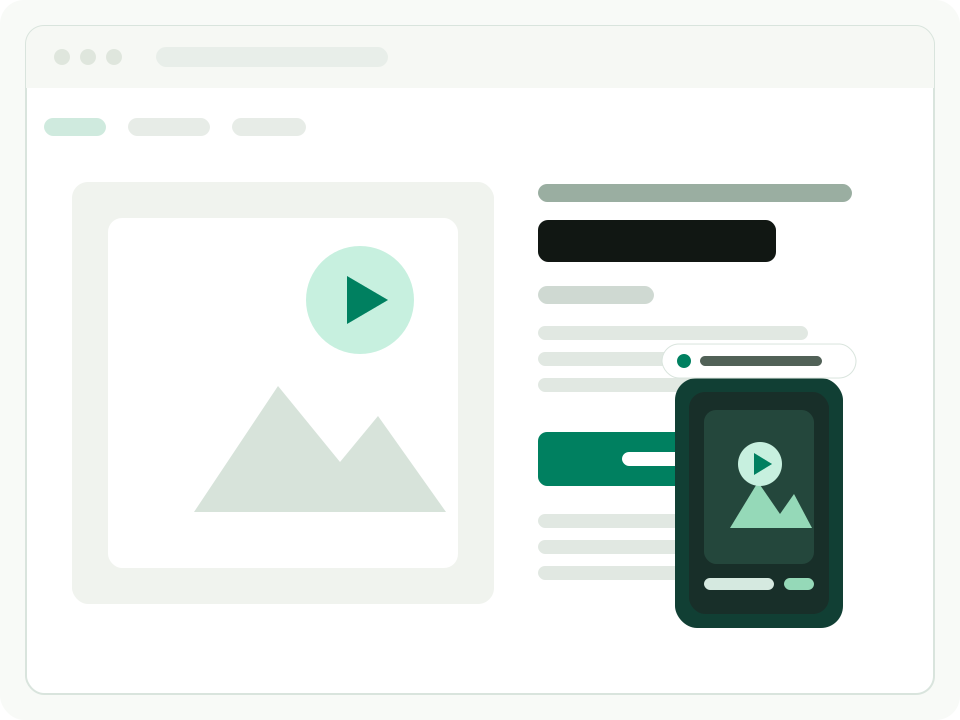
Storefront preview
The widget is designed to complement the product page instead of taking over the buying flow.
Video source
Shopify Files
Setup model
App embed
Theme edits
Not required
How it works
NudgeClip keeps product video control close to the catalog, theme app embed, and Shopify Files.
01
Turn on the NudgeClip app embed once in your theme so the floating widget can appear on product pages.
02
Manage each product video from the product details workflow merchants already know.
03
Use an existing Shopify-hosted video or upload a new file from the same product video workflow.
04
Control visibility and widget appearance so the storefront experience fits the device and theme.
Feature system
A focused set of controls for merchants who want product-page video managed through Shopify-native app settings.
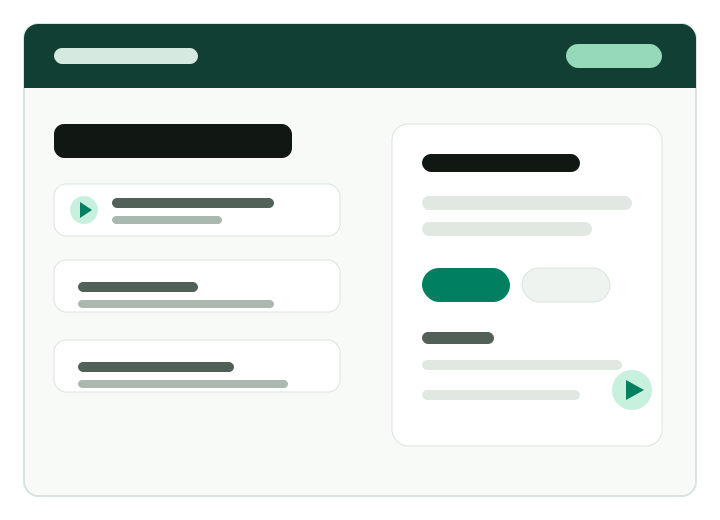
Assign the right floating video to the right product page instead of using one generic storewide clip.
Choose videos from Shopify Files or upload new videos into Shopify-hosted storage.
Set visibility and appearance for desktop and mobile storefront visitors.
Keep video display settings organized through the app embed and global appearance controls.
Display compact product video content in a storefront widget designed to stay out of the product page flow.
FAQ
NudgeClip lets Shopify merchants add floating, Shopify-hosted product videos to product pages and manage those videos from Shopify workflows.
NudgeClip uses Shopify app embed and app/product settings so the video workflow stays organized inside Shopify.
Videos are uploaded to or selected from Shopify Files, keeping the product video workflow inside Shopify.
Yes. NudgeClip supports product-specific video assignment, so each product page can show a relevant clip.
Yes. Merchants can control desktop and mobile visibility and adjust the global widget appearance.
No. NudgeClip is built for Shopify-hosted files and does not require merchants to provide external video hosting URLs.
Contact NudgeClip for installation, storefront app embed, or product video assignment questions.